
visualizationID while working with it. For example, to programmatically identify a visual’s default settings using a REST API call, you must have the visualizationID handy.
Identify a visual’s visualizationID
- Open the visual in its dashboard.
-
Find the number at the end of the URL in the address bar of your browser. The
visualizationIDis the section of the number after the plus sign (+).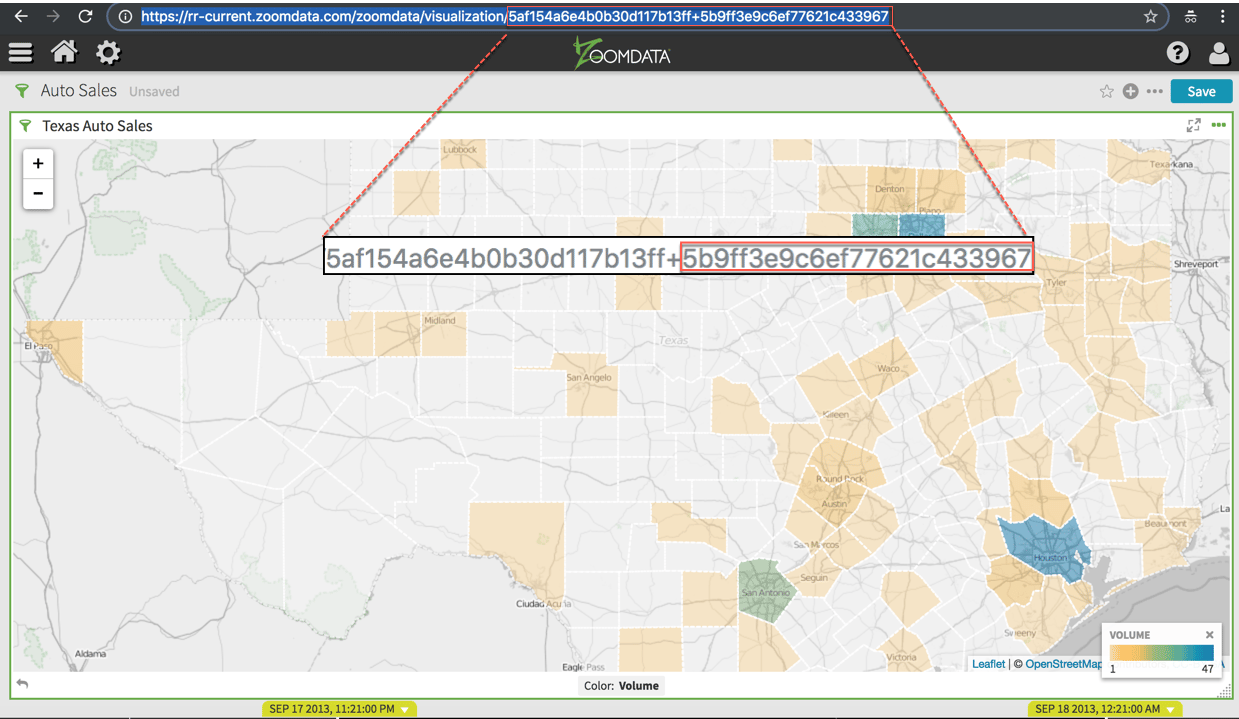
visualizationID of a visual, you can use it in other steps such as calling REST API methods.